Parallel Flow Object
The Parallel Flow object is a routing element that enables the process to branch into multiple paths simultaneously.
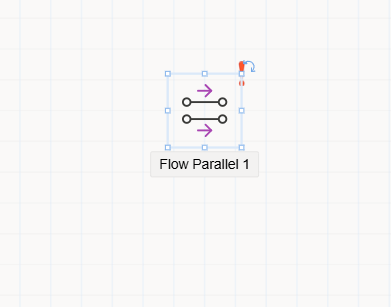
Parallel Flow Object
The Parallel Flow object is used when a process needs to be directed to multiple positions or position groups at the same time. It is placed at the point(s) in the flow design where the process is expected to split into multiple branches. This object allows parallel routing from a single process step to different tasks that proceed independently.
Usage Scenario
For example, in a purchasing process where both the Finance and Procurement departments are required to give approval simultaneously, the Parallel Flow object can be used to split the flow and send the task to both departments concurrently.
How to Use
- Drag the
Parallel Flowobject from theToolboxpanel onto the flow design canvas. - Place it at the point where you want the process to branch out.
- Use arrows to connect the object to the subsequent steps in each parallel path.
- These parallel branches can later be merged using objects like
Join.
Properties Panel
When the object is selected in the flow design, the following configuration tabs appear in the Properties panel:
1. Appearance
Object Name: The internal system name of the object.Caption: The title displayed in the user interface.Is Lock: Prevents the object from being moved during design.Size: Specifies the width and height of the object.
2. Properties
- The
Propertiestab for this object does not contain any custom fields. Routing is visually handled through connector arrows.
3. Events
- From the
Eventstab, developers can define event-specific code. When an event is triggered, a corresponding method block is automatically created, and developers can add custom logic to that block.